Maya Color ID Tutorial

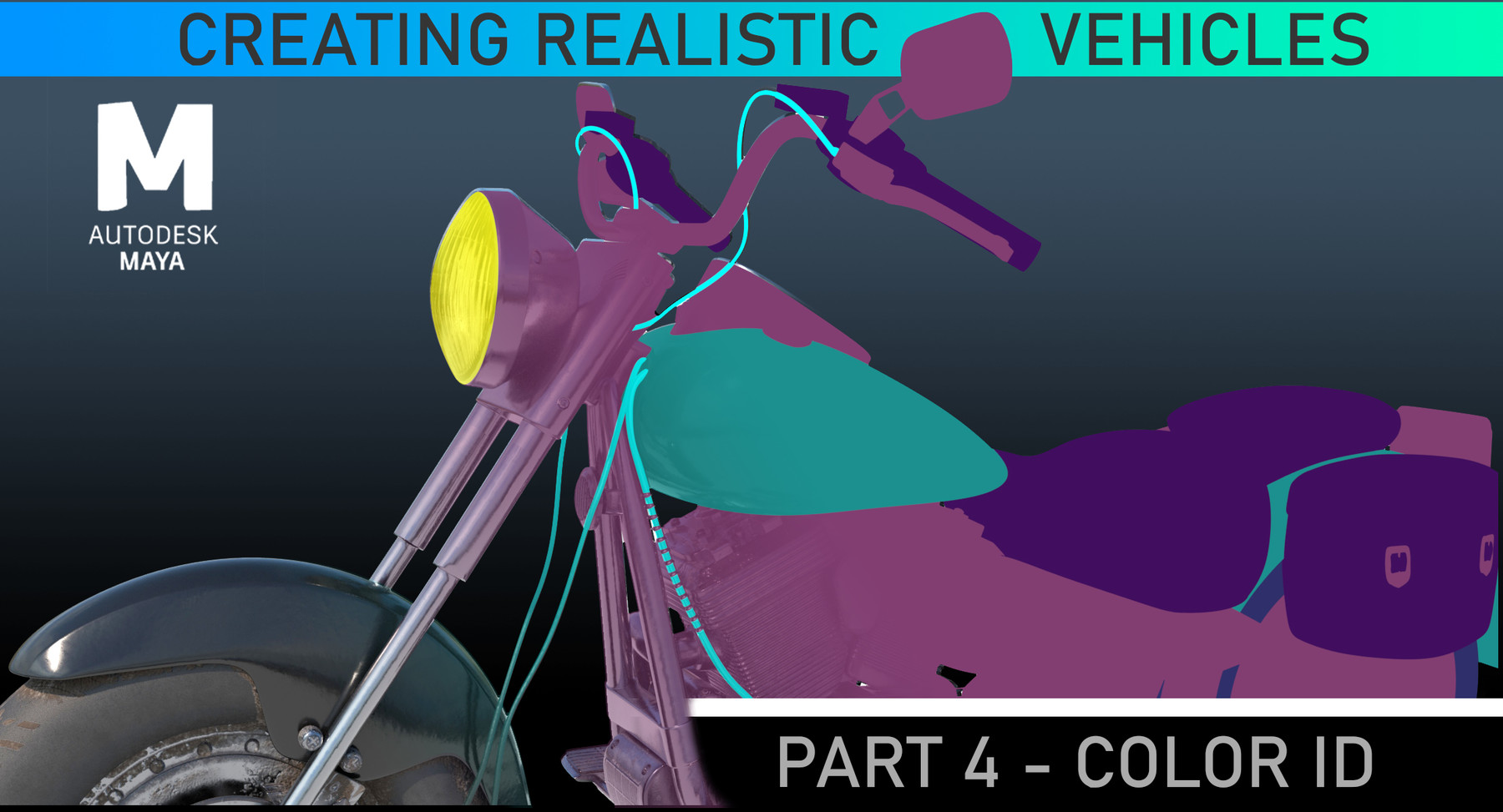
Creating Color IDs - Maya Tutorial
[31 minutes] Project Files Included
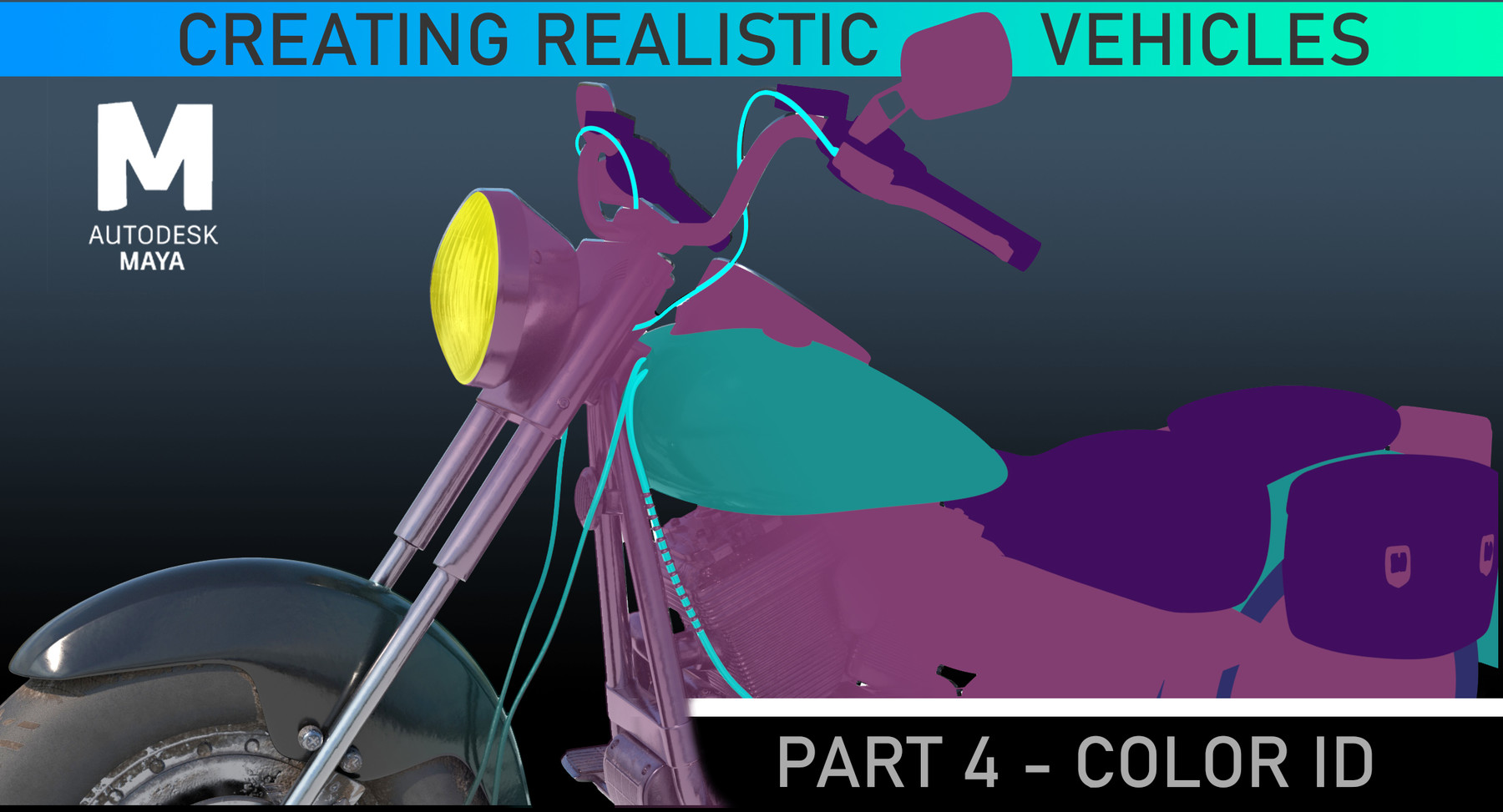
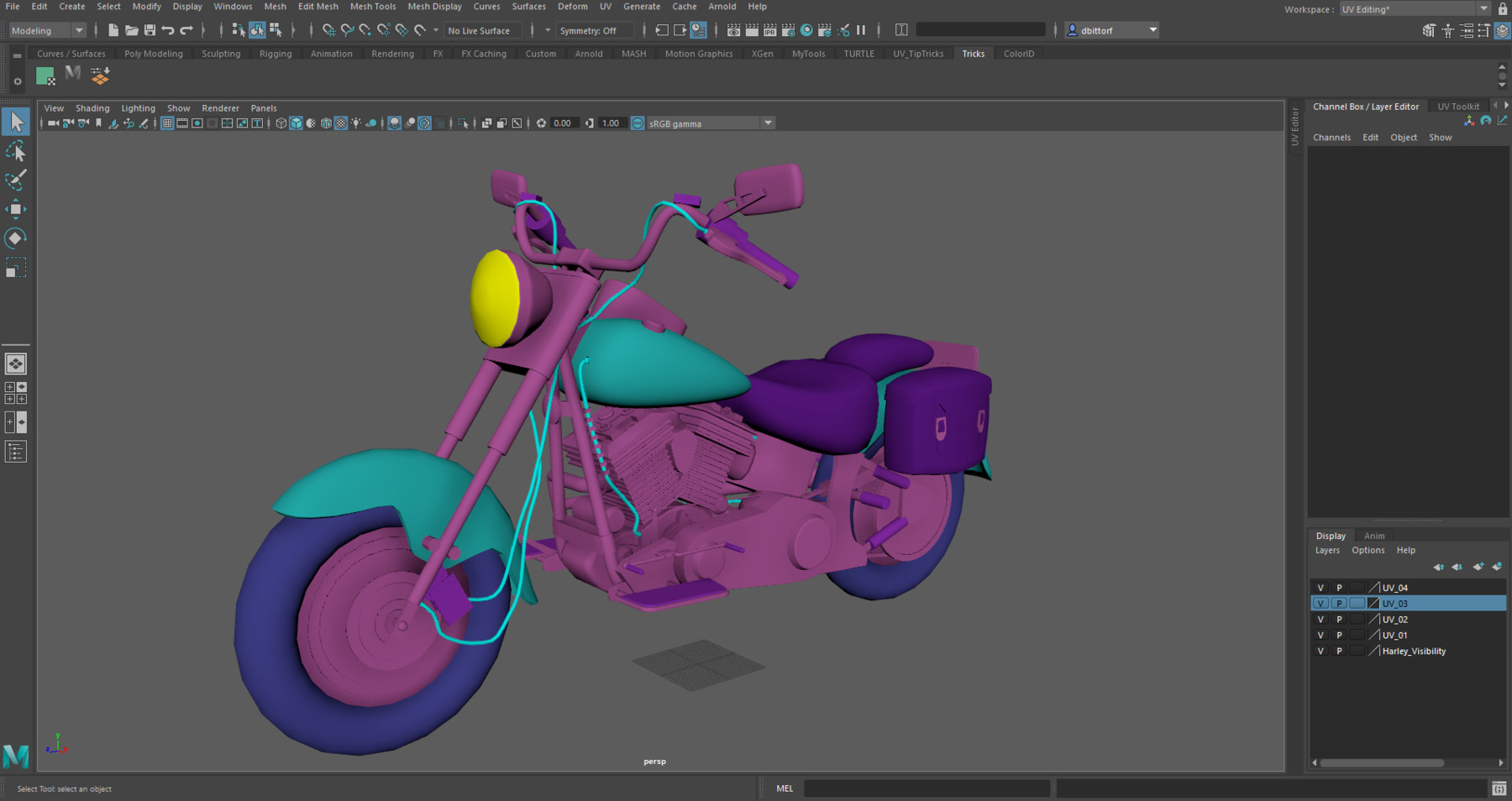
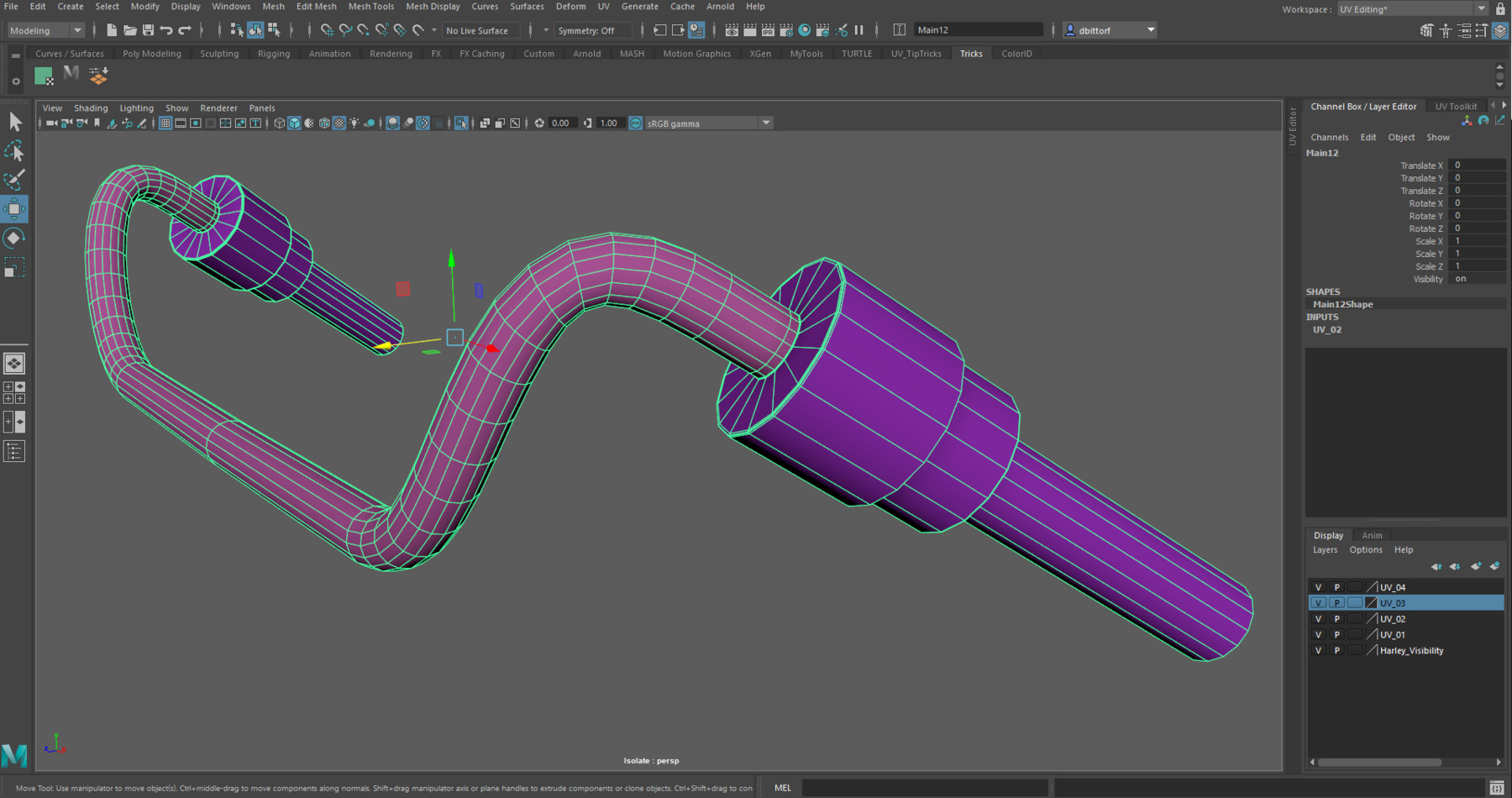
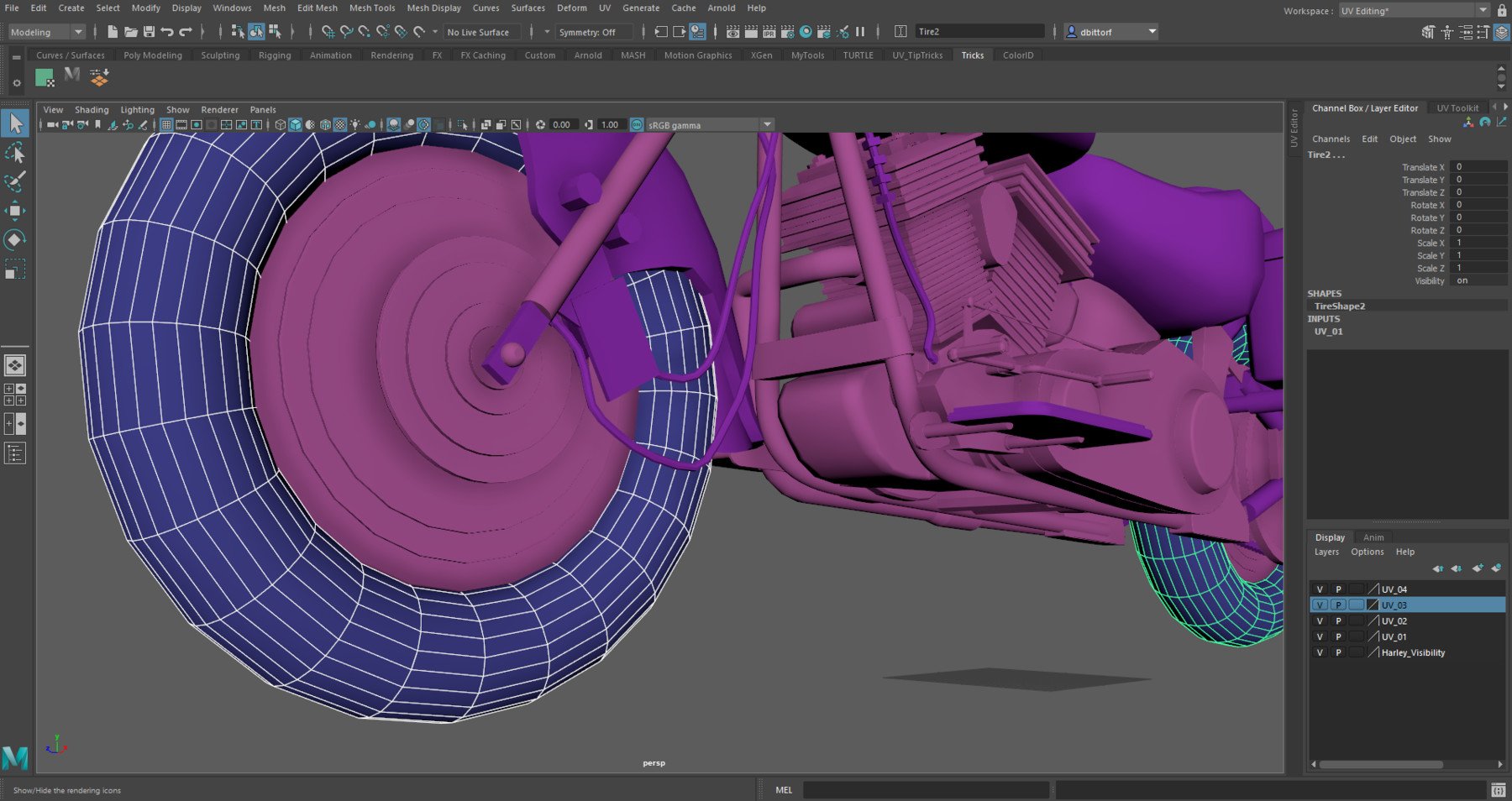
This quick 30 tutorial will walk you through how to create Color IDs for Substance Painter. Learn how to use Maya to assign vertex colors to your model to easily create Color IDs. By the end of the lesson you will be able to assign vertex color IDs to objects, as well as parts of object to have full control of where you would like your materials placed. Learn how to quickly and accurately assign existing color IDs to additional objects you may have forgotten about. You will also learn how to import your Color IDs into Substance Painter.
Software Needed:
Substance Painter 2019.3.3 or newer
Maya 2020 or newer
This is part of the Creating Advanced Hard Surface Vehicles in Maya Series:
The series is designed to show the workflow from Modeling to Rendering and Lighting but any part can be viewed as a stand alone lesson. Other Lessons that will continue on what you learned here will included Modeling, UV Mapping, Normal Maps, Materials in Substance, and Rendering and Lighting. You will be provided the proper starting files to follow along.