Posing with Mixamo Tutorial
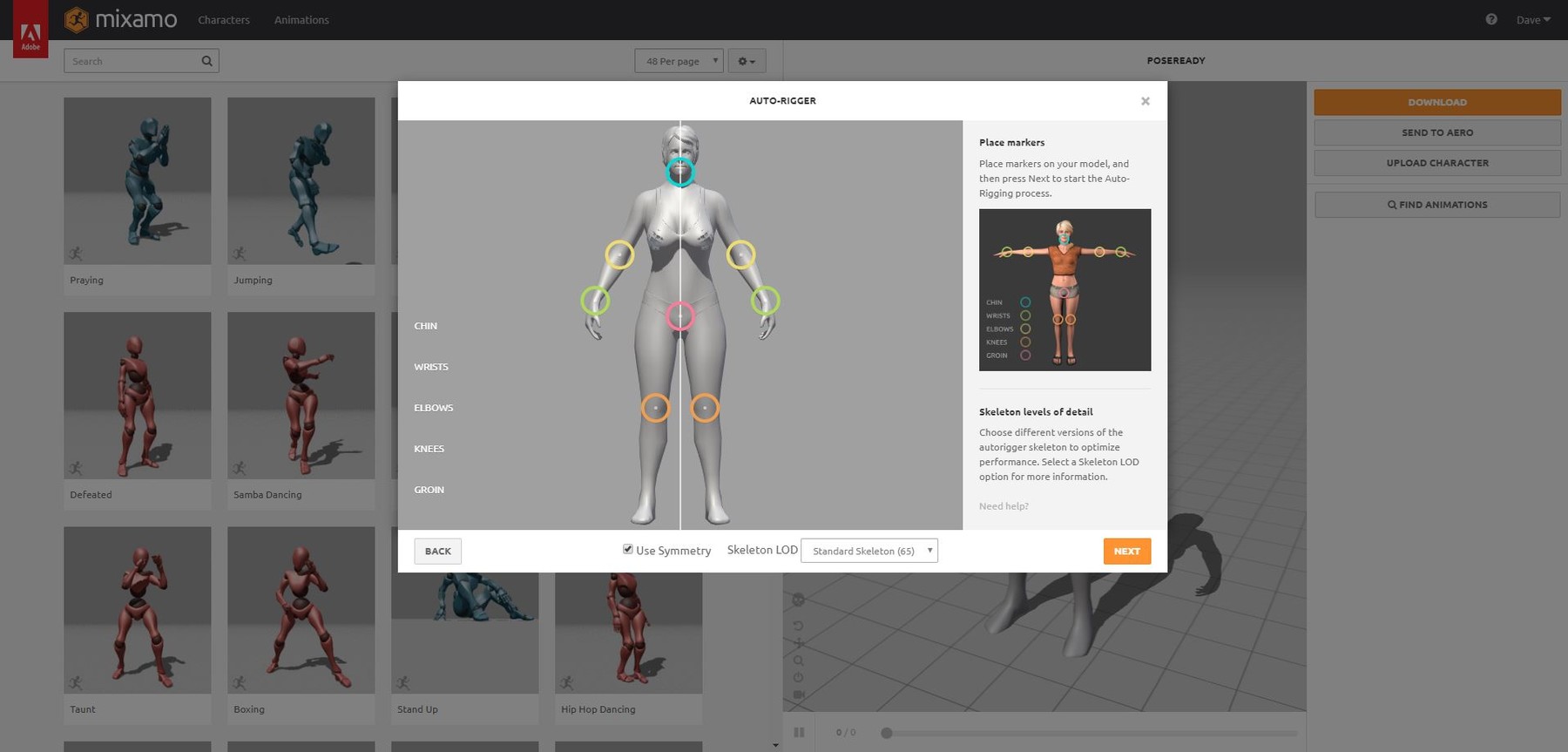
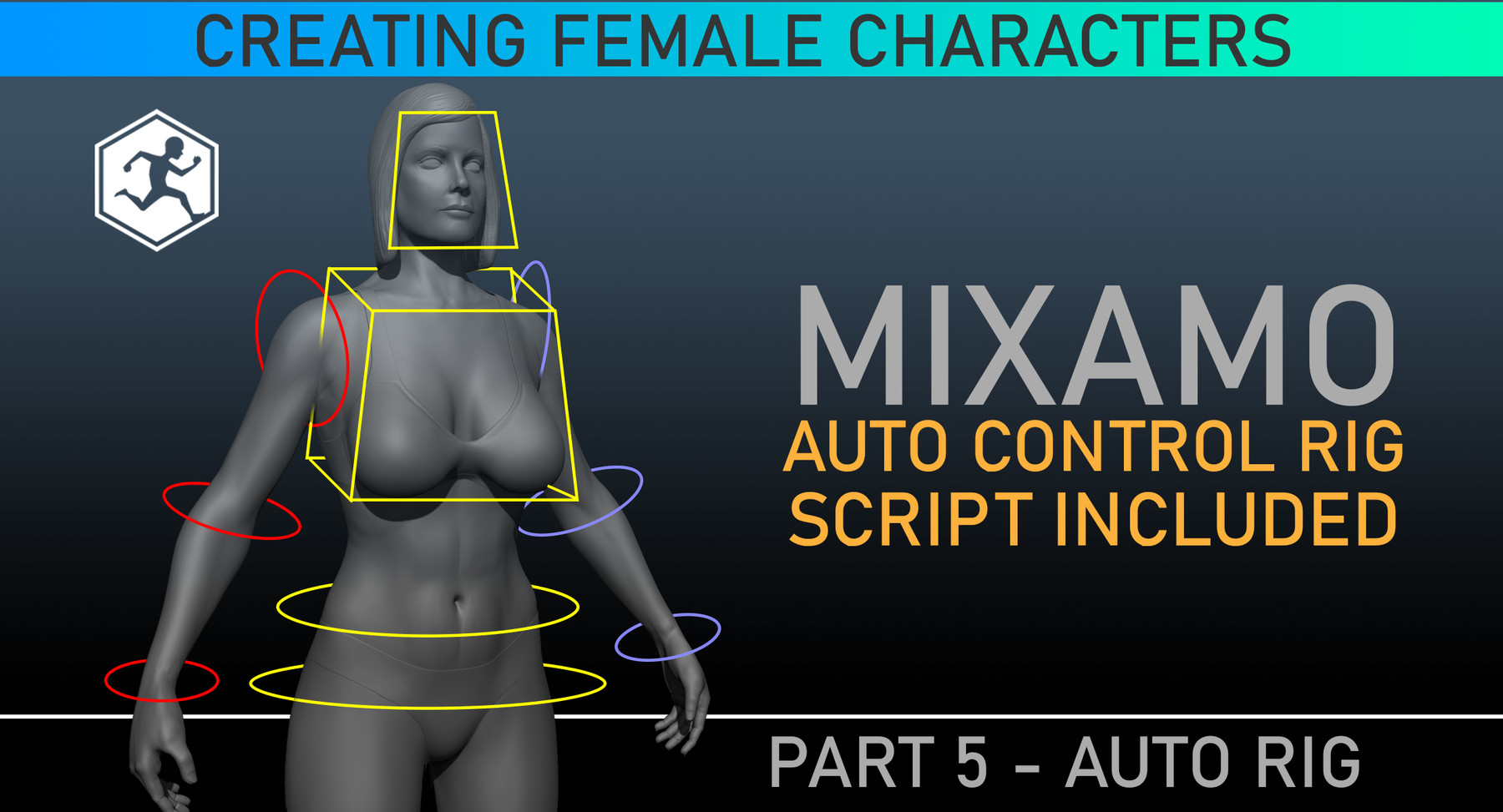
Posing Character - Maya / Mixamo / ZBrush Tutorial
[43 min] Project Files Included
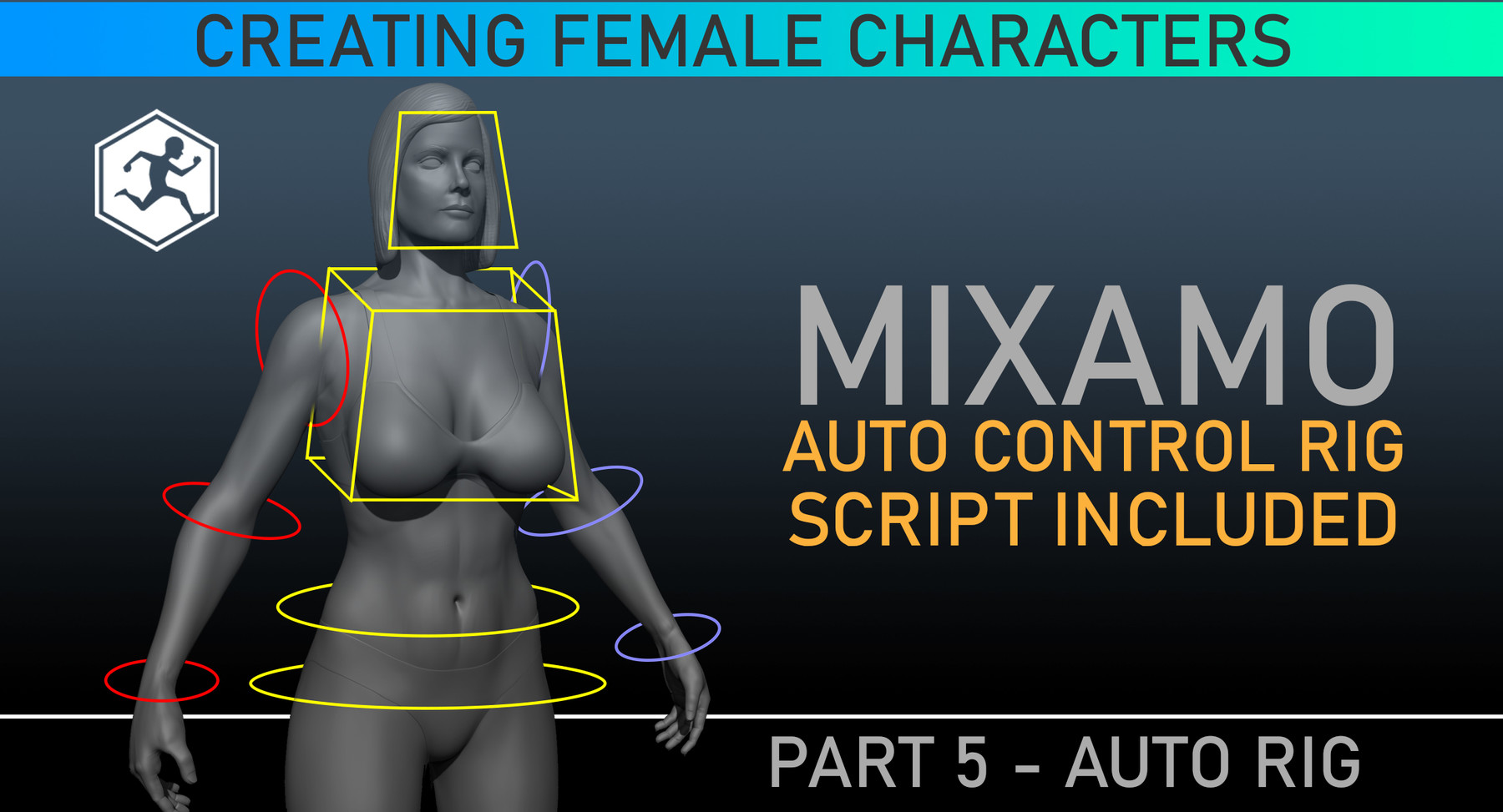
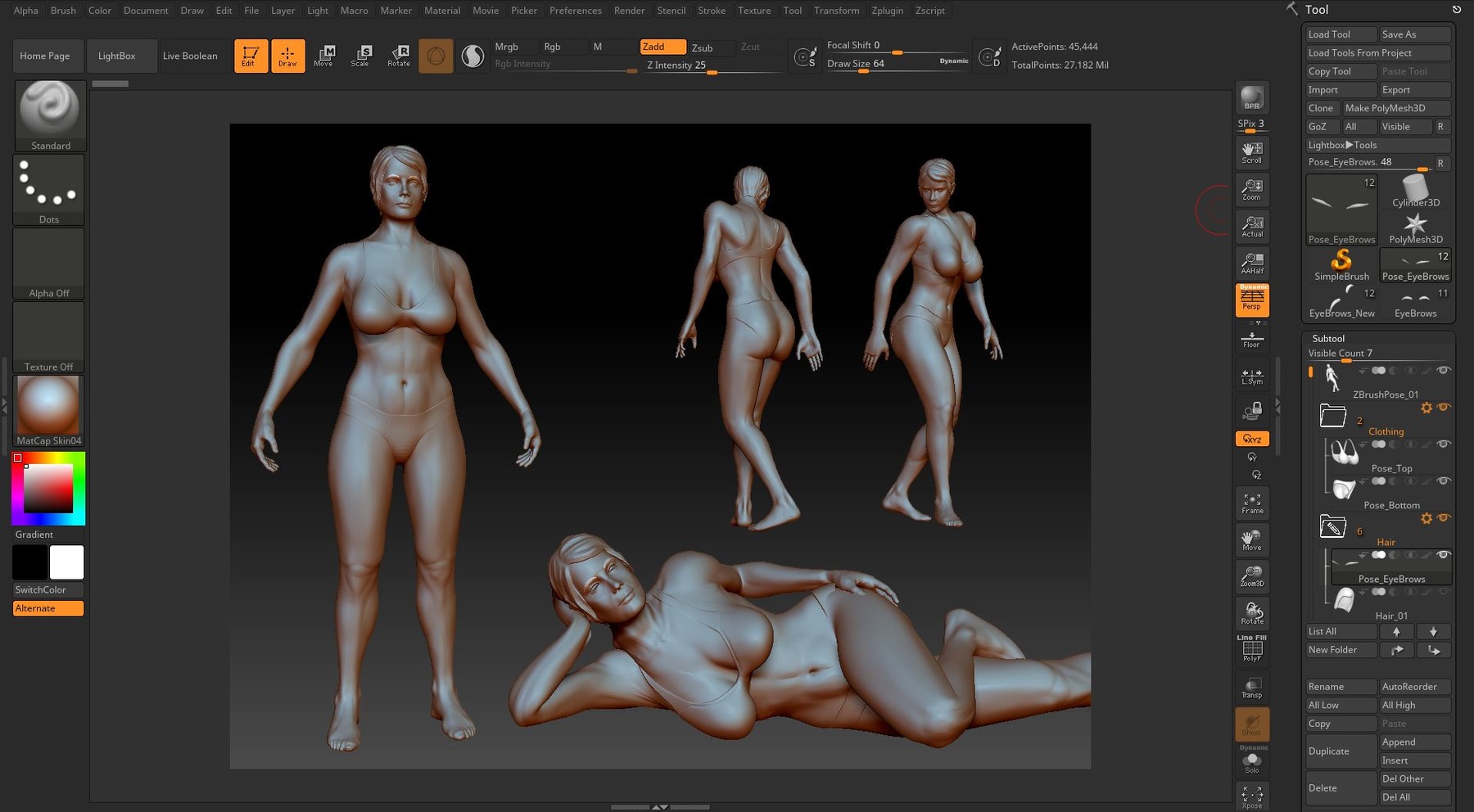
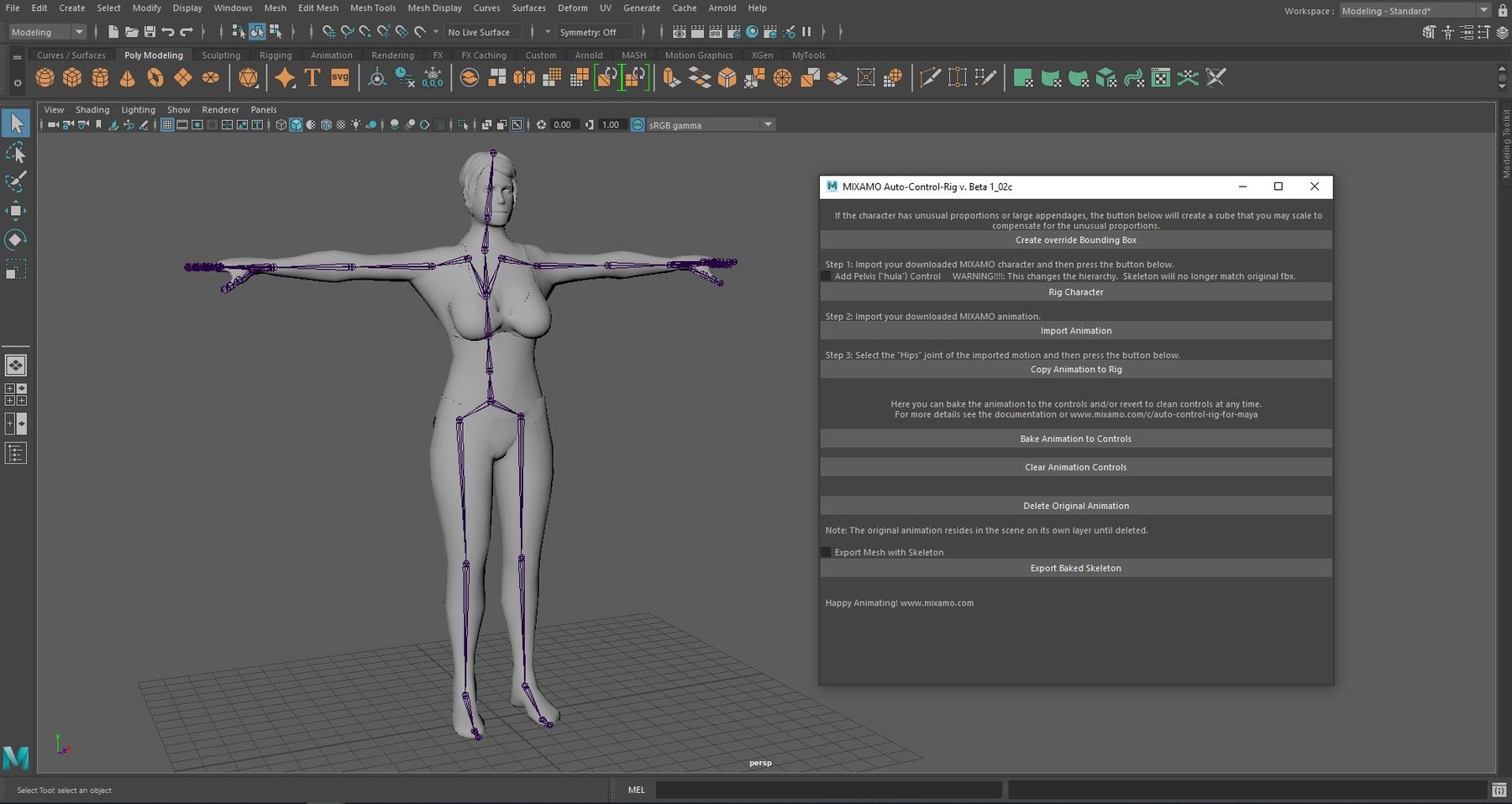
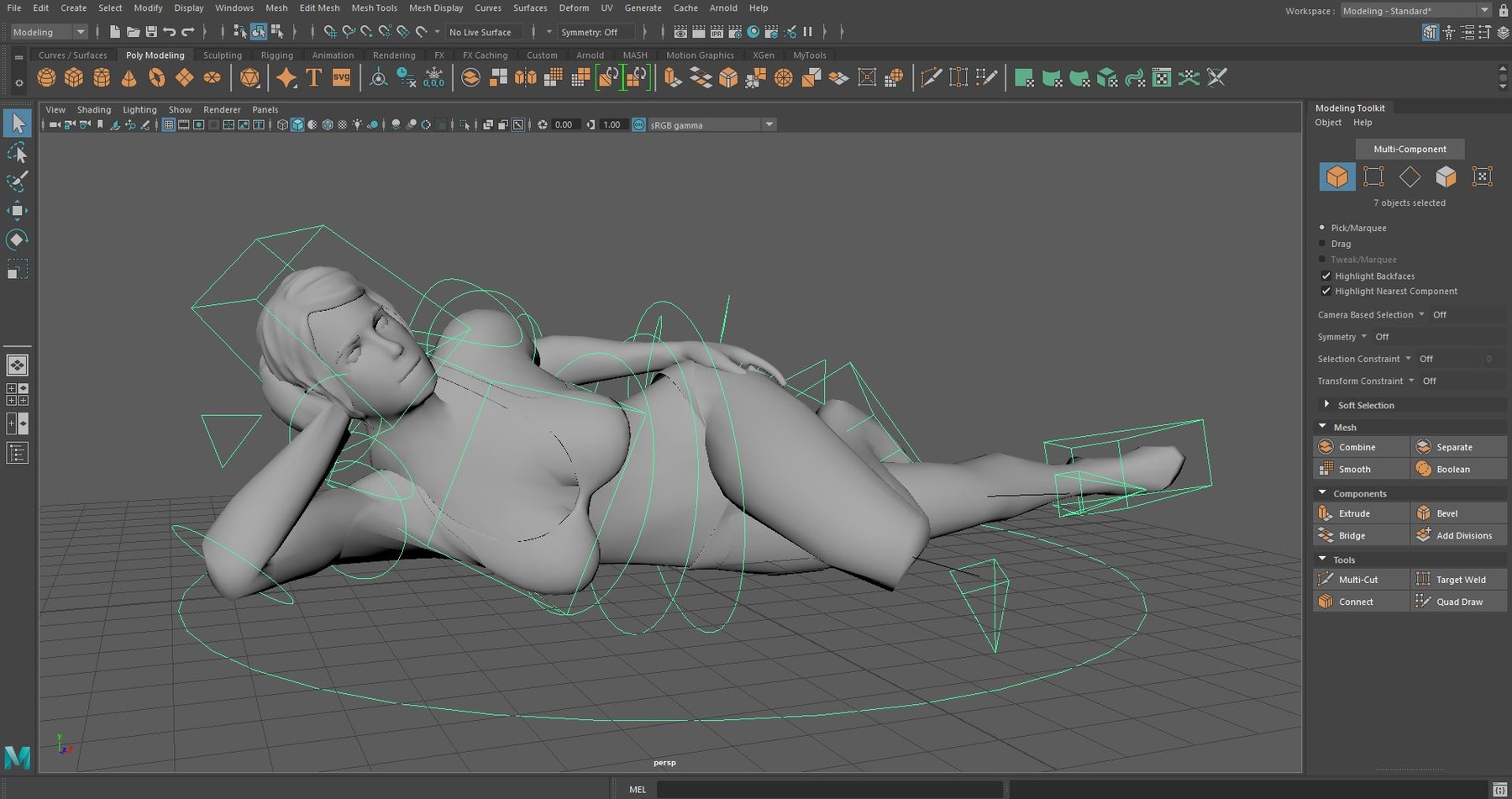
This a step-by-step tutorial about how to dynamically pose your without any rigging knowledge. Learn how to pose your ZBrush character (along with it's subtools) using Maya and Mixamo without losing any of your high resolution ZBrush details. This course includes a Maya Script that will automatically apply a control rig to your auto rigged Mixamo model. Once the character is posed to your liking you will be able to bring it back into ZBrush to make your final adjustments.
Video Tutorials
Lesson 1: [5:47] Set Up
Lesson 2: [7:21] Posing with Mixamo
Lesson 3: [9:58] Transferring Pose to ZBrush
Lesson 4: [10:37] Adding Auto Control Rig
Lesson 5: [9:44] Large Edits in ZBrush
Files Provided:
Mixamo Maya Control Rig Script (Maya 2016 or newer)
3 Mixamo Poses
All OBJs for each pose
2 ZBrush Poses (ZBrush 2019 or newer)
Software Recommended:
ZBrush 2019 or newer
Maya 2018 or newer
Adobe Mixamo Account (Free if you have an Adobe Log in)
This is part of the Creating Female Character Series:
The series is designed to show the workflow from Modeling to Animation but any part can be viewed as a stand alone lesson. You will be provided the proper starting files to follow along.
Release Notes
The last video ended early (video and audio) in previous release. These issues are corrected now.