Hard Surface Normal Mapping
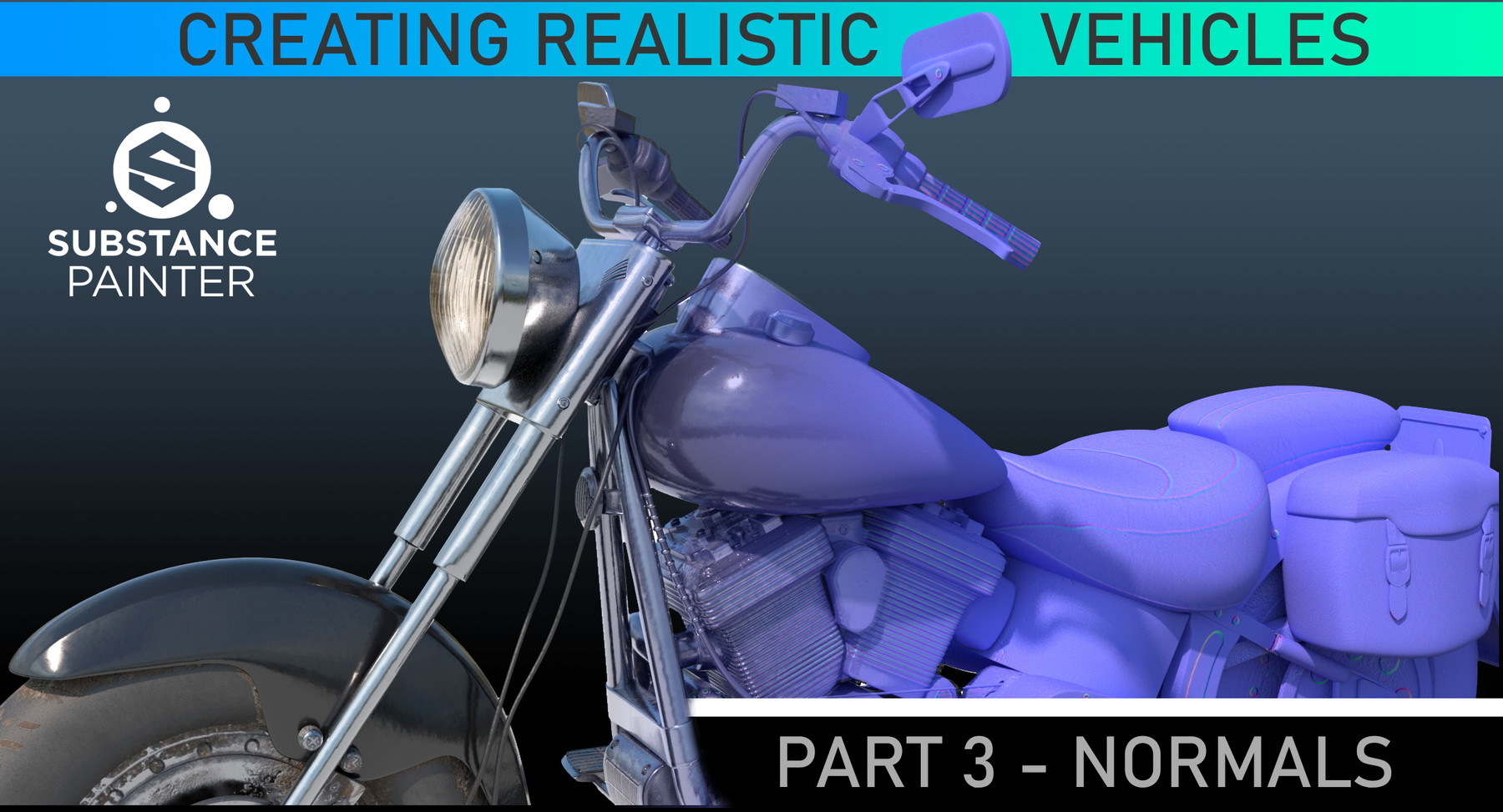

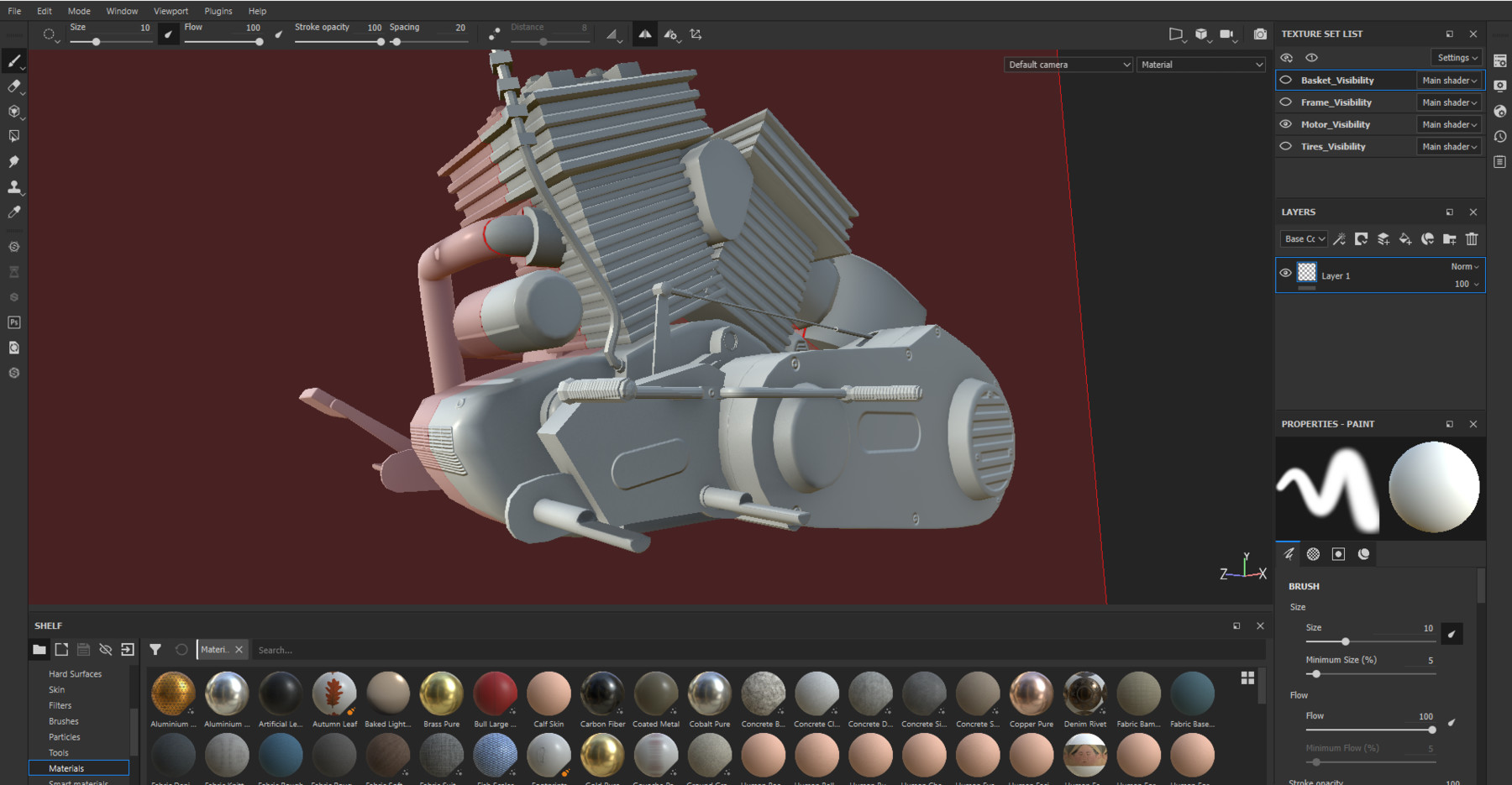
Creating Normal Maps - Substance Painter Tutorial
[1hrs 41min] Project Files Included
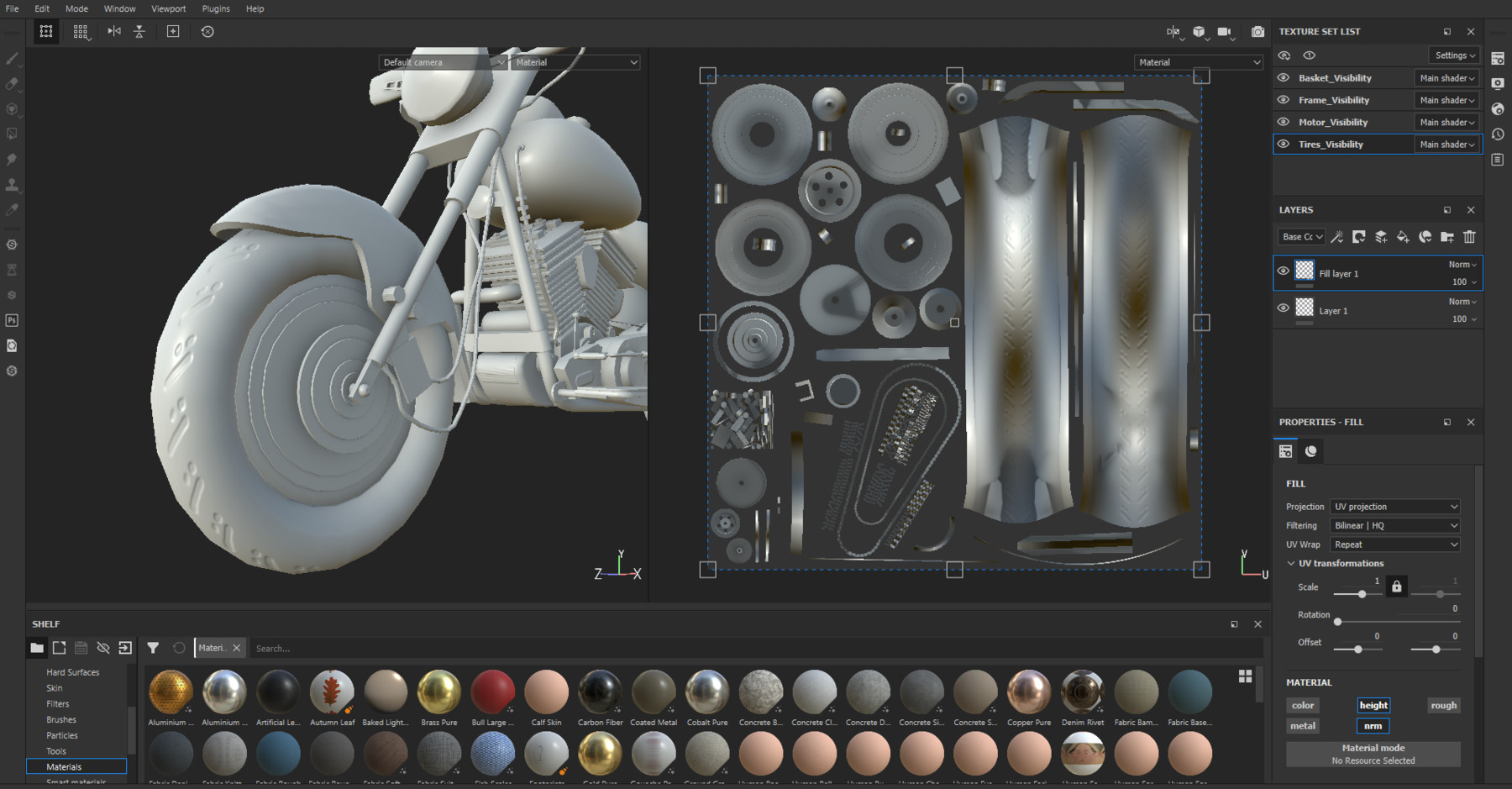
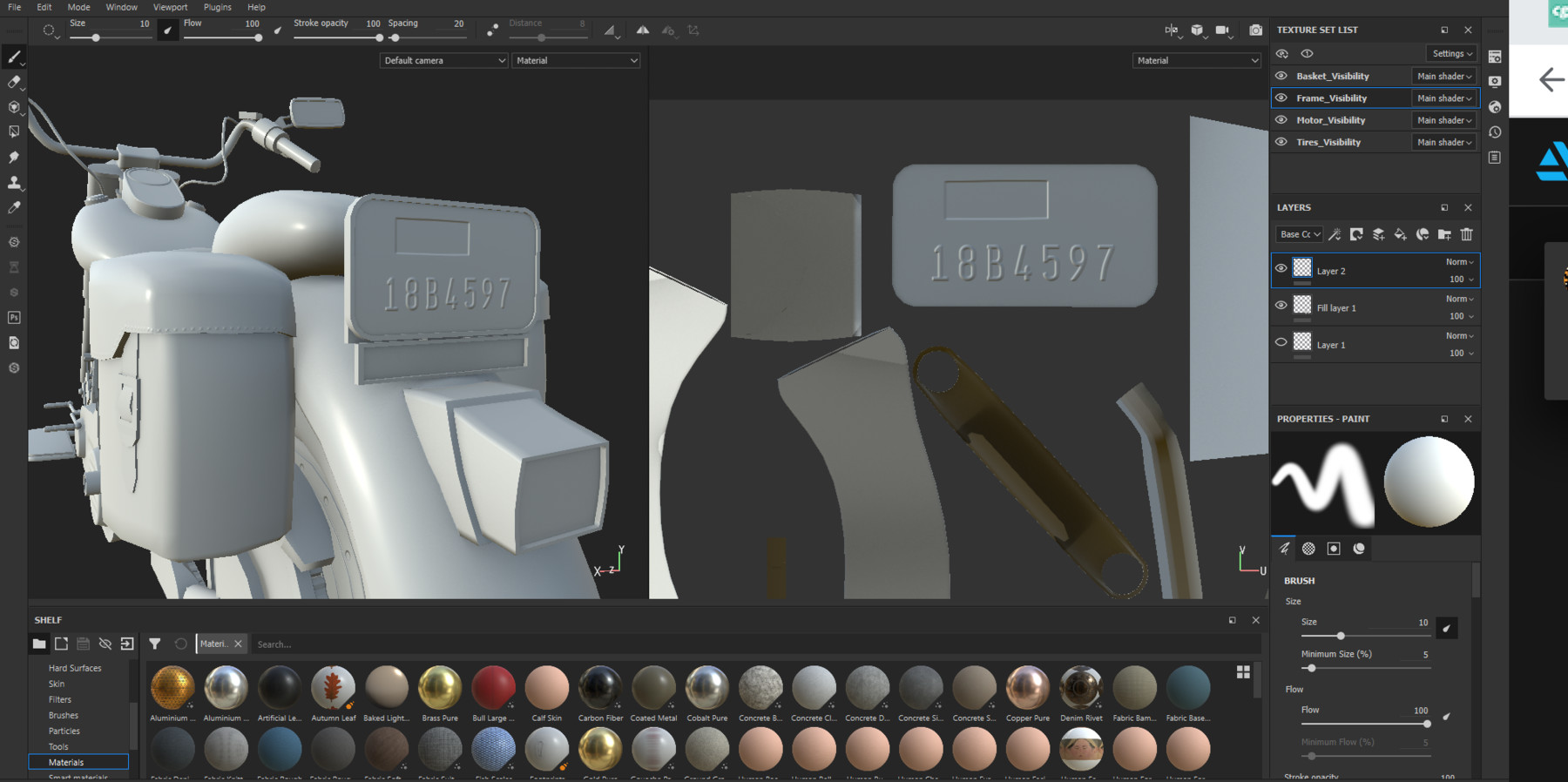
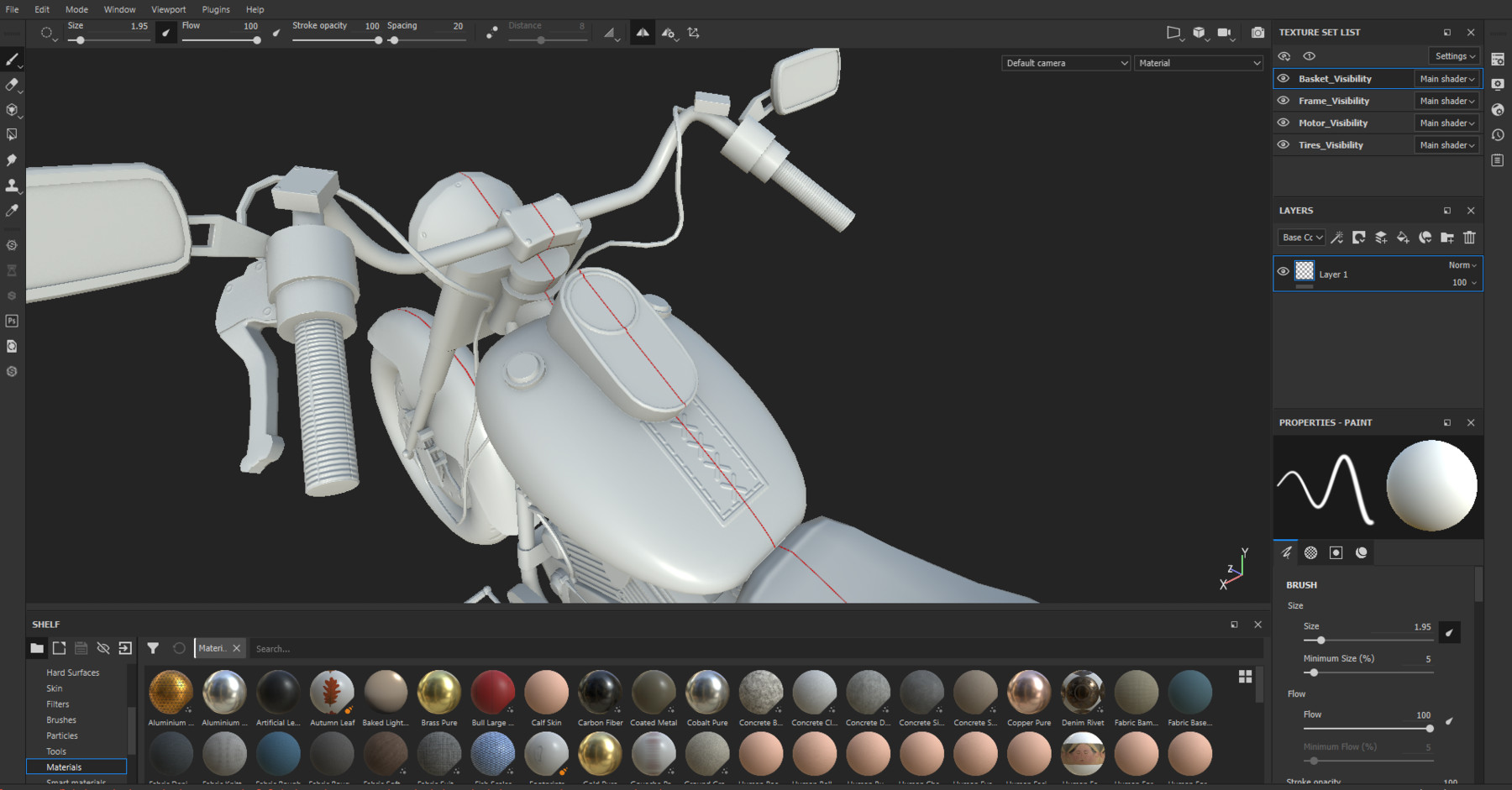
This tutorial will walk you through how to create normal maps inside of Substance Painter. Learn how to Bake Maps, Use Mirroring, Radial Symmetry, Importing Custom Text, Masking, Creating Straight Lines, Using Stroke Spacing, Exporting Maps and more. By the end of the lesson you will have the skills necessary to create complex normal maps on your own hard surface models.
Files:
All files need Substance Painter 2019.3.3 or newer to open
Maya 2020 and PhotoShop CC are also used briefly in some lessons
Video Tutorials
There are 11 Video Tutorials averaging about 10 minutes per video. These can be viewed in order or feel free to jump into any lesson to just learn a specific technique.
This is part of the Creating Advanced Hard Surface Vehicles in Maya Series:
The series is designed to show the workflow from Modeling to Rendering and Lighting but any part can be viewed as a stand alone lesson. Other Lessons that will continue on what you learned here will included Modeling, UV Mapping, Creating Color IDs, Materials in Substance, and Rendering and Lighting. You will be provided the proper starting files to follow along.