Photo Projection - ZBrush Tutorial
Texturing C5 (Photo Projection) - ZBrush Tutorial
[4hr 45min] Additional Files Needed
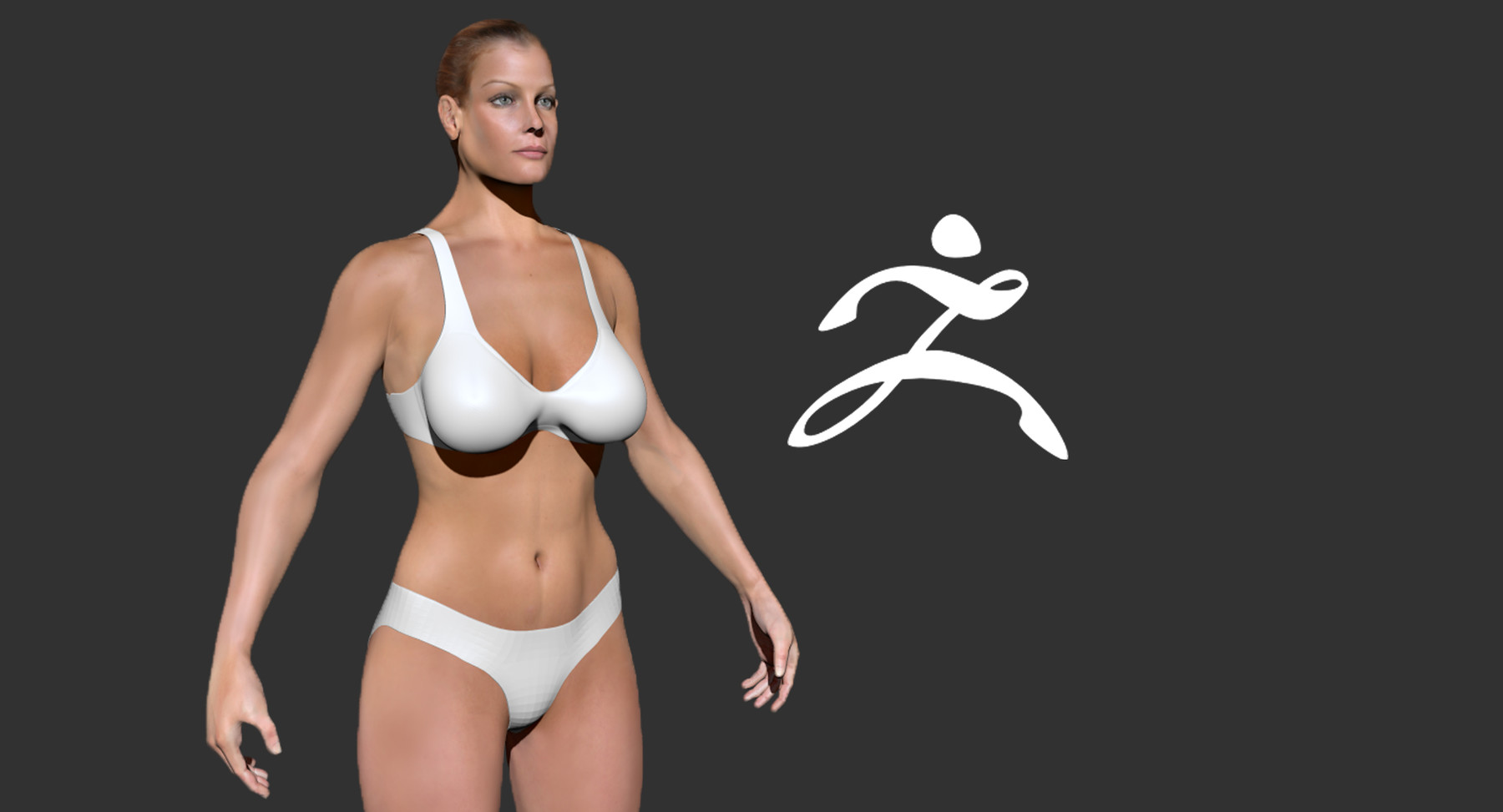
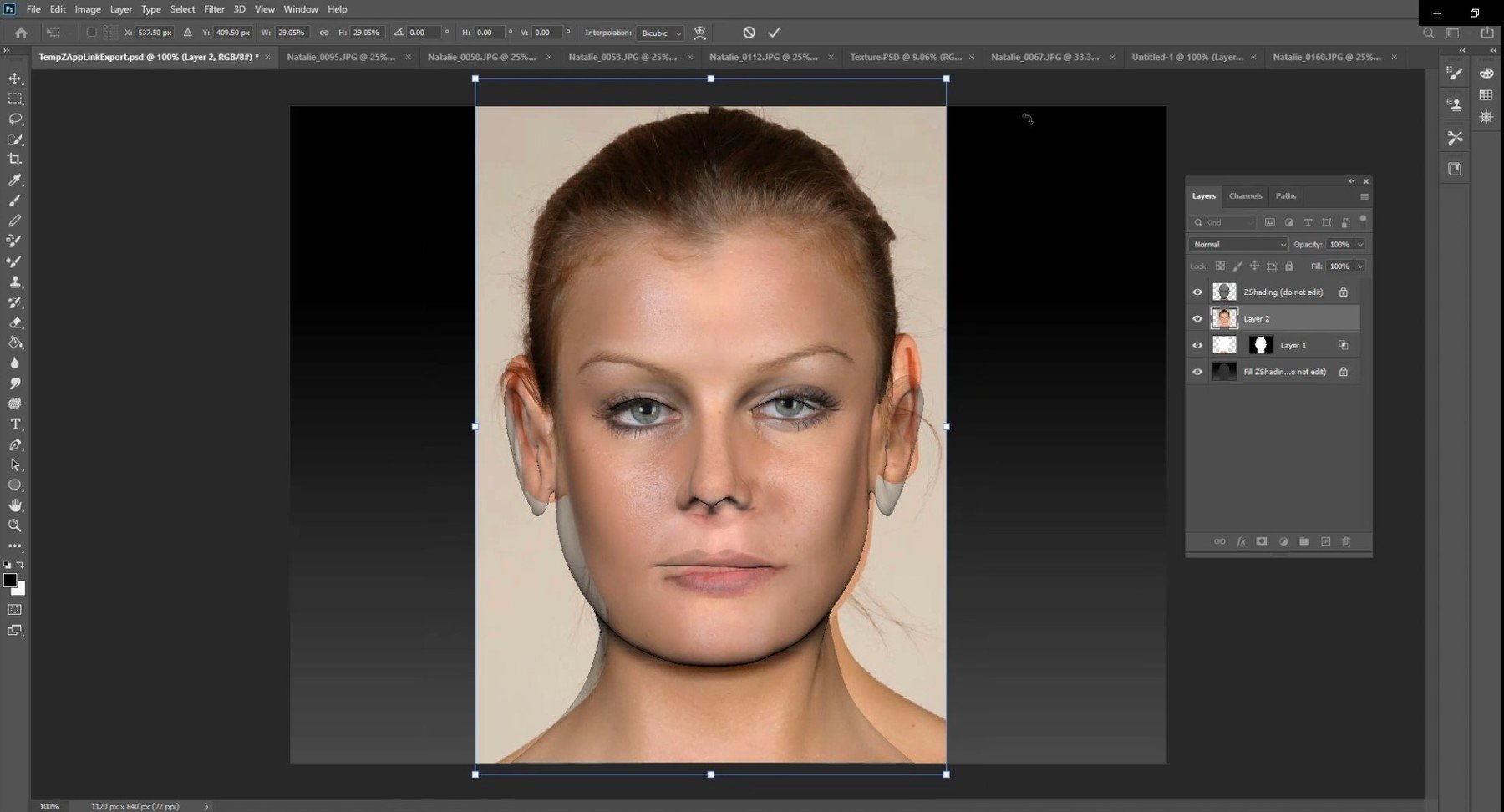
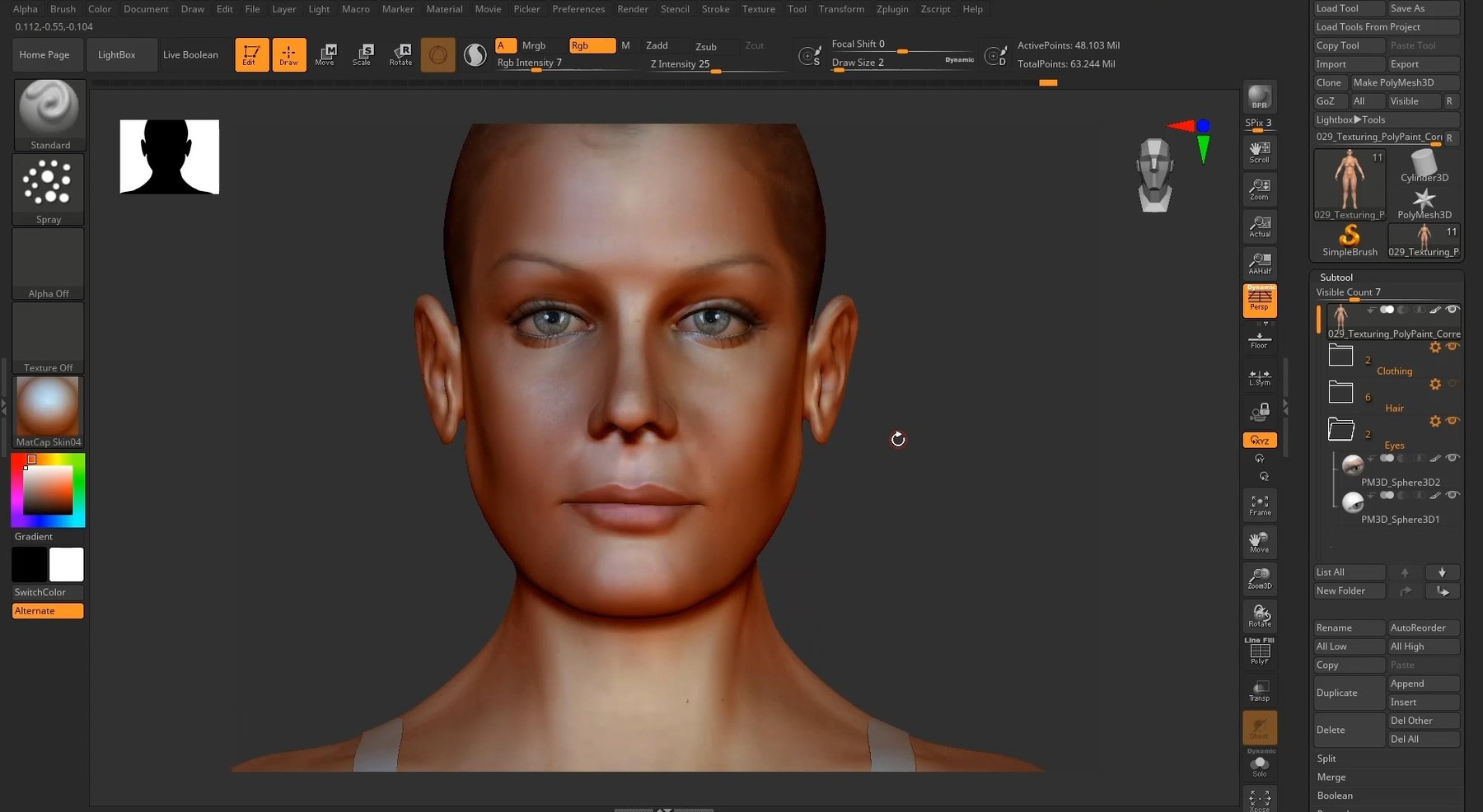
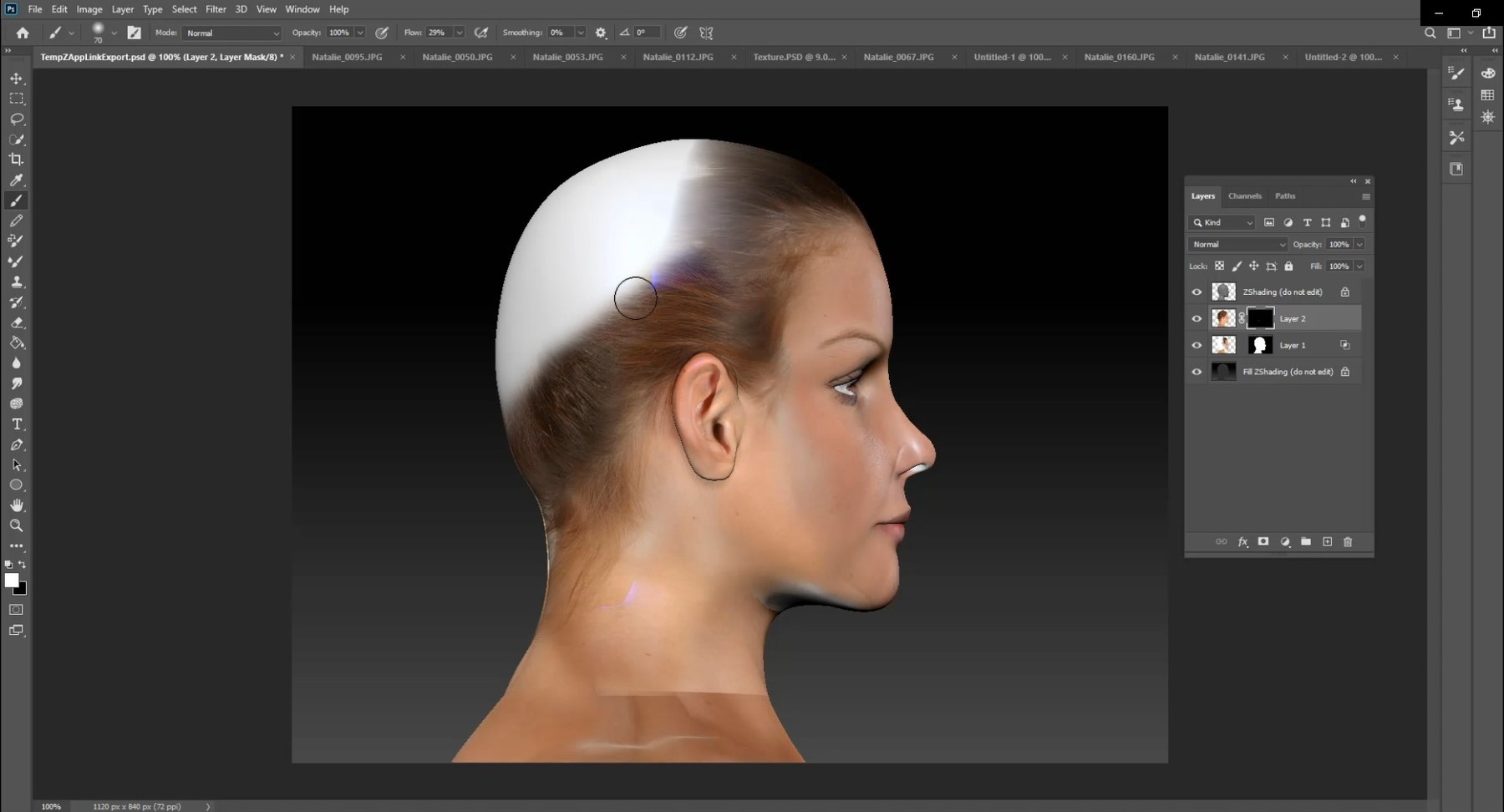
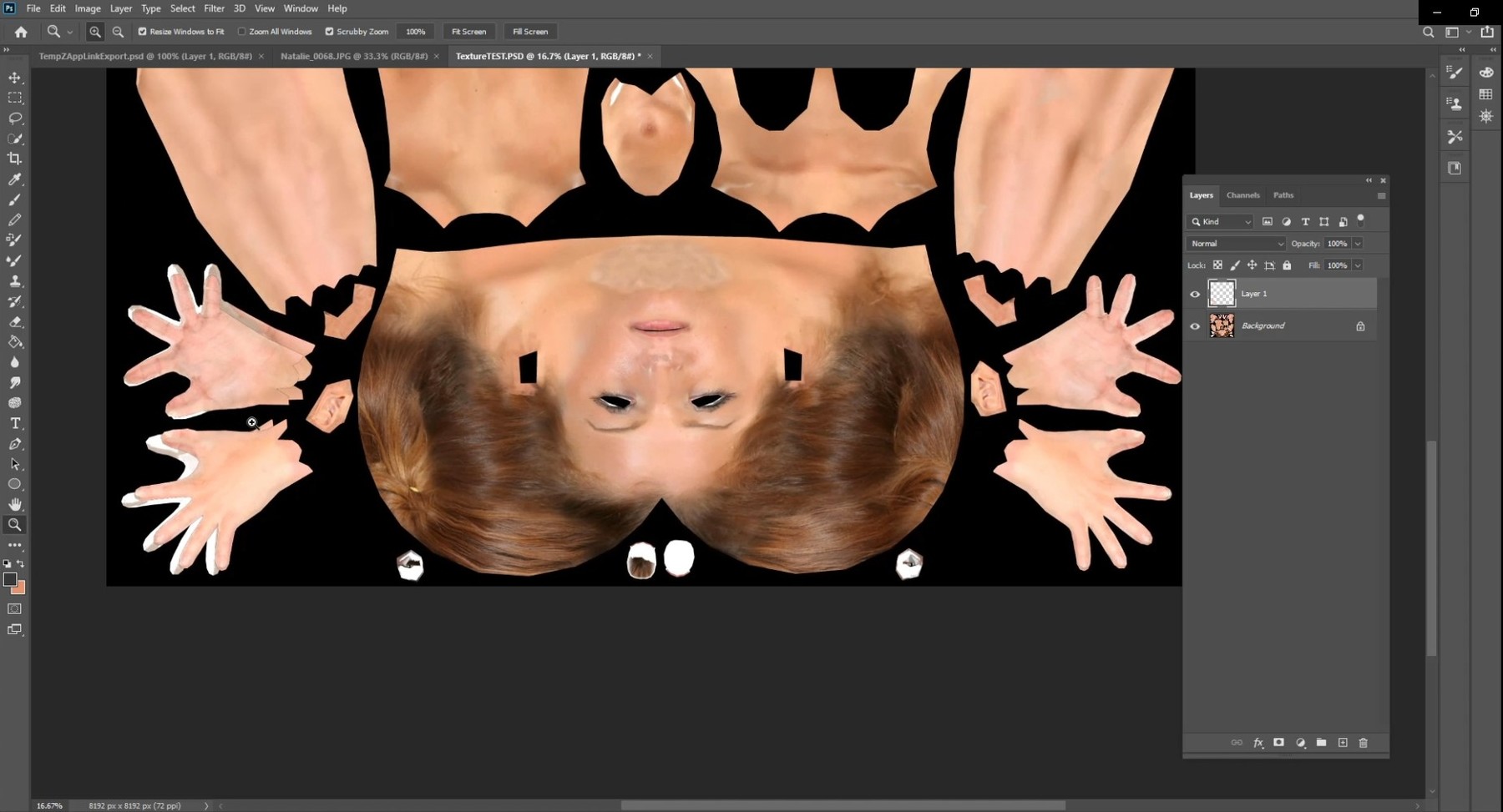
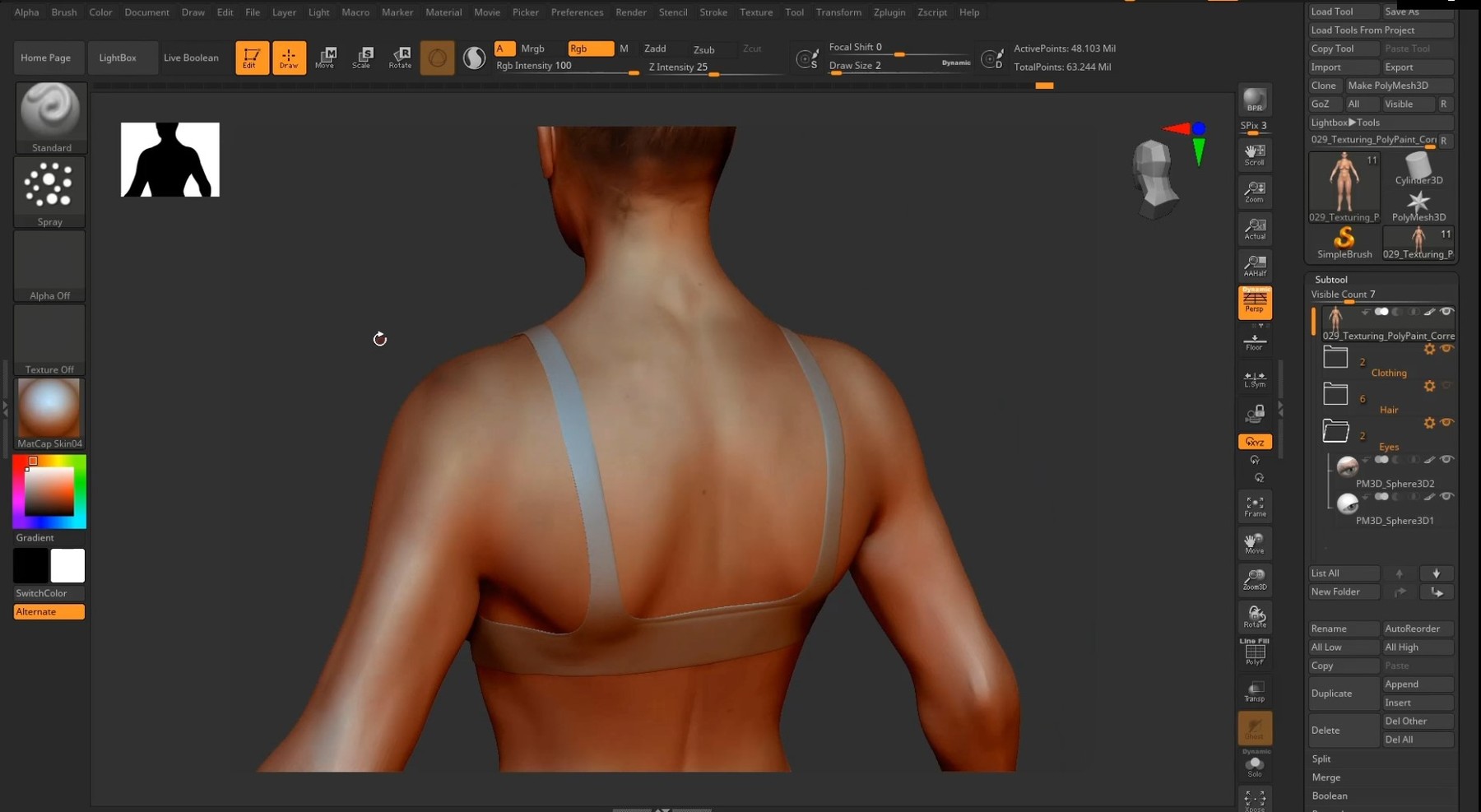
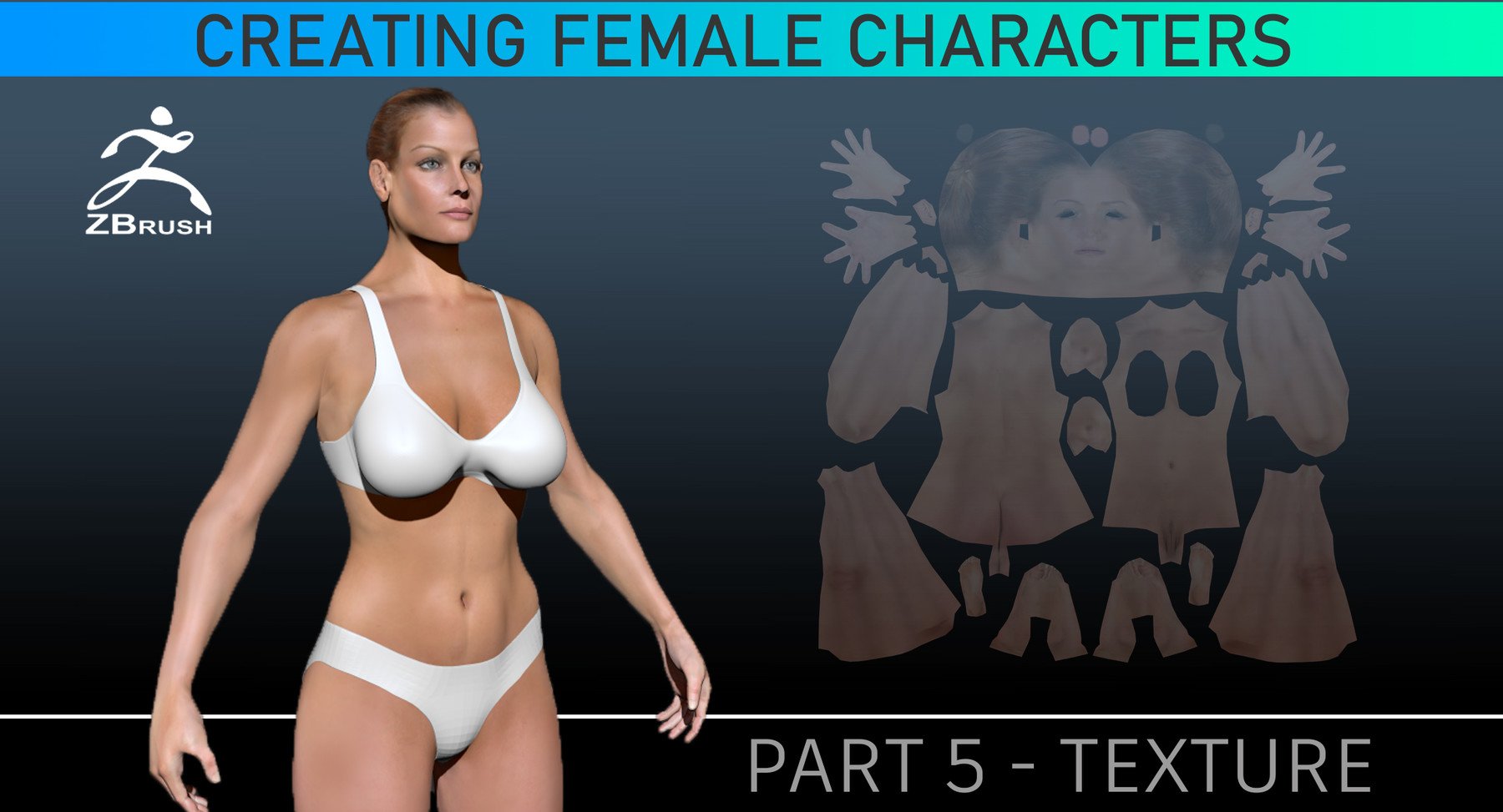
This a step-by-step tutorial about how to texture a Female character in ZBrush using ZAppLink in conjunction with Photoshop. This course is designed to teach you how to take photographs and project them onto a 3D model and seamlessly blend them together to create a convincing photo-real texture. I will take several photos and project them from different angles to cover the entire character. You will be provided an untextured ZBrush character sculpt so you can follow along. You will need to purchase your own photos since I am unable to provide them due to license restrictions.
Files Provided:
30 videos (mp4)
ZBrush Character
Files Needed:
High Resolution Photos
Software:
ZBrush 2020
Photoshop
This is part of the Creating Female Character Series:
The series is designed to show the workflow from Modeling to Animation but any part can be viewed as a stand alone lesson. You will be provided the proper starting files (character only) to follow along.